

News
YouTube Ad Blocker Shock: Why Your Comments and Descriptions Just Vanished
Feb
If you use a YouTube ad blocker, you might have opened the platform today and thought the site was completely glitching. You are certainly not alone in this experience.
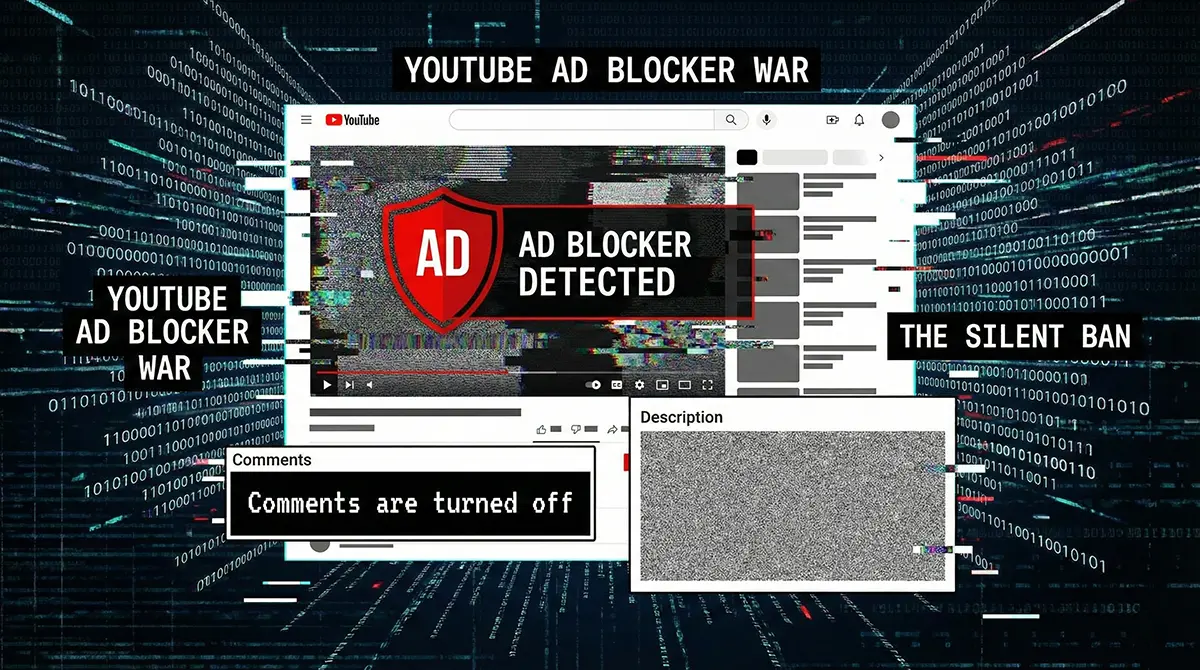
Millions of users across Pakistan and the globe are reporting a bizarre new situation where comment sections suddenly say “Comments are turned off” and video descriptions are completely missing from the page.
But here is the bad news: It is not a random YouTube bug. It is a calculated weapon.
YouTube has quietly escalated its ongoing war on ad blockers from displaying annoying pop-ups to actively breaking the website’s user interface. Here is an analytical look at why your YouTube experience just degraded and why there is currently no easy fix.
The Symptoms: The Silent Ban
Unlike the strict “Three Strikes” popup we saw last year, this new tactic against YouTube ad blocker users is highly passive-aggressive.
Instead of outright blocking the video player and issuing a direct YouTube ban on your viewing session, YouTube’s detection scripts are now blocking the secondary content around the video.
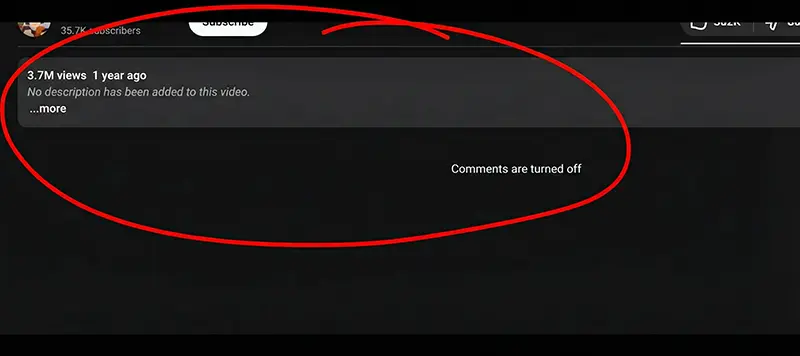
If you use an ad blocker, you will likely encounter these specific YouTube issues:
- YouTube Comments Gone: The comment section will either load endlessly in a loop or display a static “Comments are turned off” message. This happens even on videos where the creator has definitely left them on.
- No YouTube Description: The description box below the video simply vanishes or refuses to expand, hiding crucial links and context.
- Broken UI Elements: Suggested videos and the sidebar recommendations may fail to load entirely, leaving a blank space.
The Core Cause: Detection Scripts and API Interruption
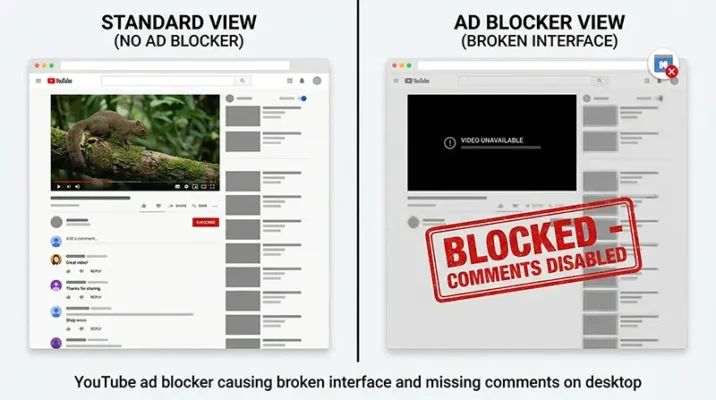
Why does having a YouTube ad blocker installed cause the rest of the page to fail? The issue stems directly from how YouTube detects ad-blocking extensions.
When the website’s backend detects that advertisements are being suppressed, it now seemingly intercepts and suppresses the specific API calls that fetch text-based data.
Because the API calls for the YouTube comments and the YouTube description are halted, the site appears broken. The video itself streams, but the community features are locked away.
The definitive proof of this tactic is simple: the moment you disable your ad blocker and refresh the page, the comments and description instantly reappear.
Which Extensions Are Affected?
This aggressive backend tactic does not discriminate. Whether you are using a mainstream extension or a niche privacy tool, you are likely impacted.
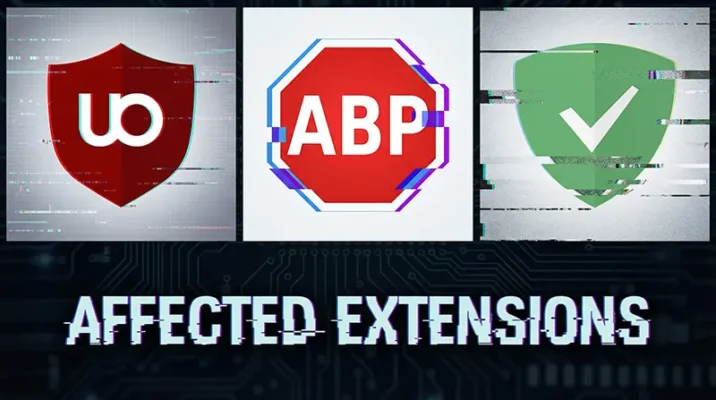
Popular extensions like Adblock and Adblock Plus are facing severe disruptions. Even highly advanced, open-source privacy tools like uBlock Origin, which usually bypass basic detection scripts, are currently struggling to display YouTube pages correctly.
Is There a Workaround? (The Hard Truth)
In the past, when users faced a YouTube ad blocker wall, the solution was relatively simple. You could usually find a quick workaround by updating your filter lists or clearing your browser cache.
However, reports from the online privacy community suggest that this specific user interface break is much harder to bypass. Because YouTube is tying the delivery of fundamental API data to ad delivery verification, blocking the ad script essentially starves the page of its necessary code.
As of this morning, developers of the most popular ad blockers have not pushed an update that permanently solves this.
The Push for YouTube Premium
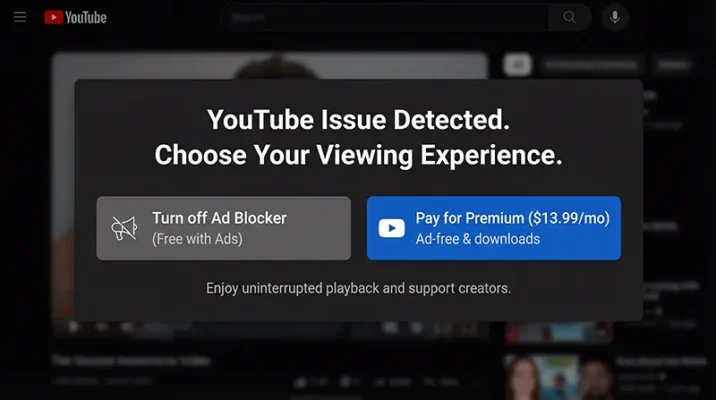
You essentially have two choices when confronted with these YouTube issues:
- Surrender: Whitelist YouTube in your extension settings, allowing the ads to play so you can read the YouTube description and comments again.
- Pay Up: Subscribe to YouTube Premium to officially remove the ads and restore full functionality.
This move is a clear strategy to convert frustrated free users into paying subscribers by degrading the free experience to an intolerable level.
The Verdict: Psychological Warfare
This latest move against YouTube ad blocker software is, frankly, psychological warfare.
By making the site feel broken rather than explicitly telling you why, YouTube is betting that average users will blame their browser, their computer, or their internet connection. They hope you will eventually just turn off the blocker to make the frustrating “glitch” go away.
The “Cat and Mouse” game between tech giants and privacy extensions continues, but right now, the Cat is winning.
Resources
- Phone Arena: YouTube’s war against ad blockers takes another feature as a victim.
- Gaming Bible: Alarming YouTube Crackdown Hides Core Features For Ad Block Users.
- 9 to 5 Google: YouTube ad blocker war continues as comments and video descriptions go missing.
Frequently Asked Questions (FAQs)
No, this is not a YouTube bug or an internet connection problem. The missing text and broken UI are intentional YouTube issues caused by their latest backend detection scripts targeting users who have a YouTube ad blocker installed.
When YouTube detects an active ad blocker, it now intercepts the specific API calls that fetch text-based data. Because these calls are blocked, your YouTube description box and YouTube comments section fail to load, resulting in a blank or infinitely loading screen.
Yes. This new tactic is highly aggressive and currently affects almost all major extensions, including Adblock Plus and even advanced privacy tools like uBlock Origin. The scripts block the page elements regardless of the specific blocker you use.
As of early 2026, there is no permanent workaround from the extension developer community for this specific UI break. To restore the comments and descriptions, you currently must either whitelist YouTube in your ad blocker settings or upgrade to a YouTube Premium subscription.
Related Blogs
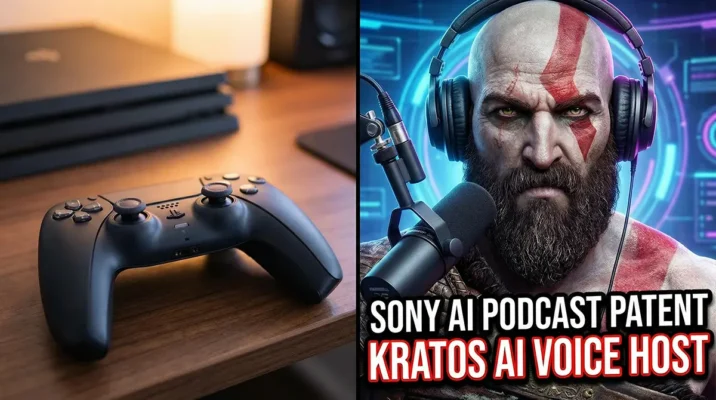
Sony AI Podcast Patent: Will Kratos Be Your Next YouTuber? (Revolutionary Feature)
Discover the new Sony AI Podcast Patent! See how Generative AI turns game characters like Kratos into hosts. Is this a revolutionary PS6 feature or a controversy?
Feb
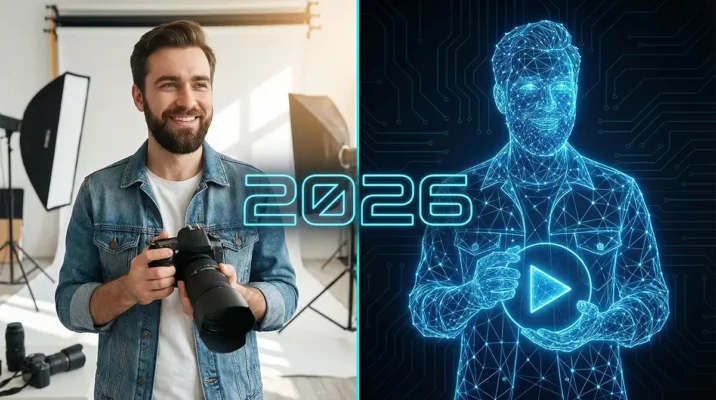
YouTube AI Likeness Alert: Why Your Digital Twin Will Take Over Shorts in 2026
YouTube AI Likeness tool arrives in 2026. Discover how to generate infinite YouTube Shorts using a Digital Twin and avoid AI Slop.
Jan
