

Guide
What is an NPU? And Do Budget PC Builders Even Need It?
Apr
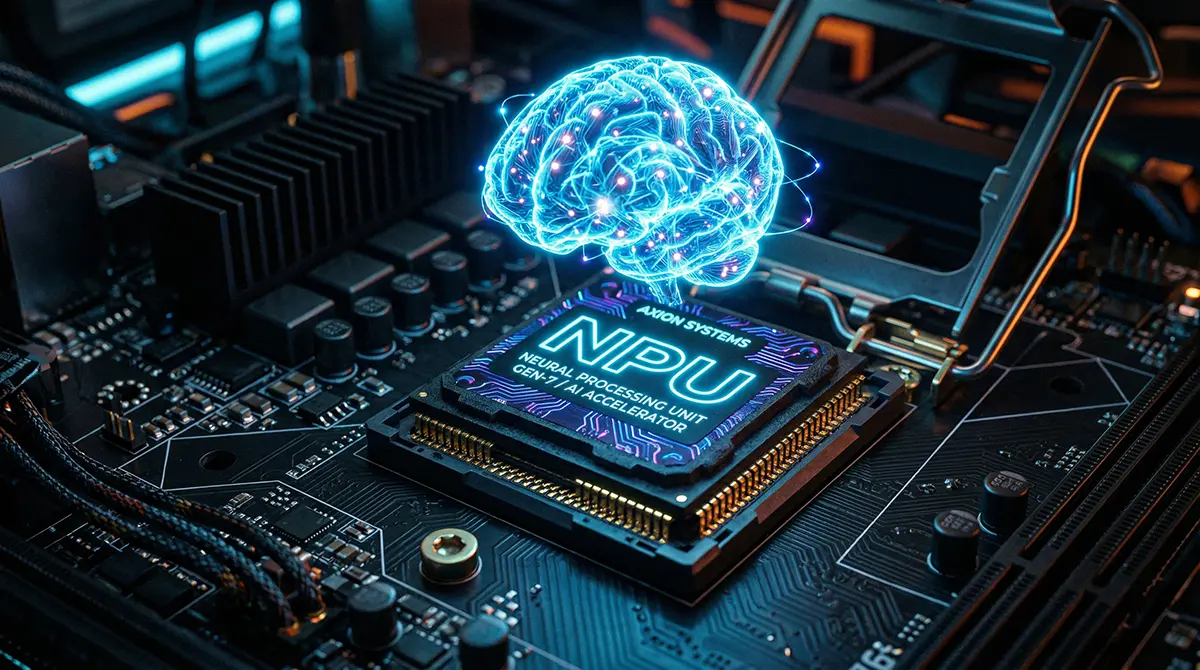
If you have been keeping an eye on the tech hardware space recently, you have undoubtedly noticed a massive shift in marketing. Every new processor launch, from the Intel Core Ultra series to the AMD Ryzen AI processor lineup, comes heavily plastered with a two-letter buzzword: AI. But behind the aggressive marketing campaigns lies a brand-new piece of silicon that is fundamentally changing how computers handle tasks: the NPU, or Neural Processing Unit.
But what exactly is an NPU? Is it just another corporate buzzword designed to make you upgrade your hardware, or is it a genuine technological leap? More importantly, if you are planning a budget AI PC build right now, does this tiny dedicated AI chip actually deserve a chunk of your hard-earned cash?
In this comprehensive guide, we are going to strip away the marketing jargon and dive deep into the silicon. We will explore how an NPU works, how it differs from your trusty CPU and GPU, and definitively answer whether General and Tech-oriented People of Pakistan need to prioritize an NPU when putting together a budget-friendly desktop rig.
Unpacking the Brains: What Exactly is an NPU?
At its core, a Neural Processing Unit (NPU) is a highly specialized microprocessor engineered from the ground up to accelerate machine learning inference and AI-related tasks. Unlike general-purpose processors, the architecture of an NPU is explicitly designed to mimic how the human brain processes data through neural networks.
To put it simply: an NPU is a dedicated on-device AI chip. It doesn’t care about rendering graphics, and it doesn’t care about managing your operating system. It exists solely to crunch the massive, repetitive matrix math required for artificial intelligence algorithms, doing so at lightning speed with minimal power draw.
The Holy Trinity of Computing: NPU vs. CPU vs. GPU
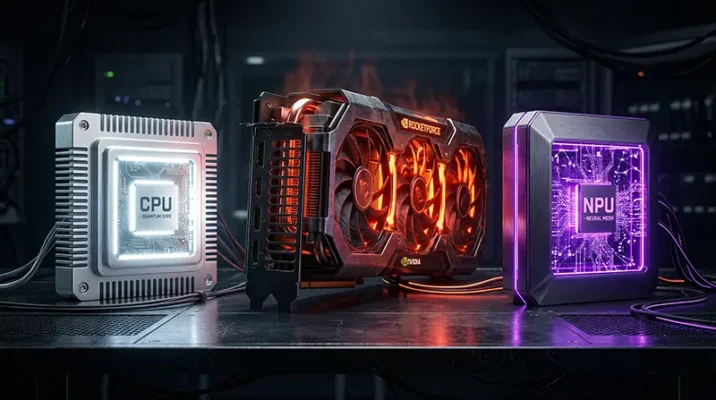
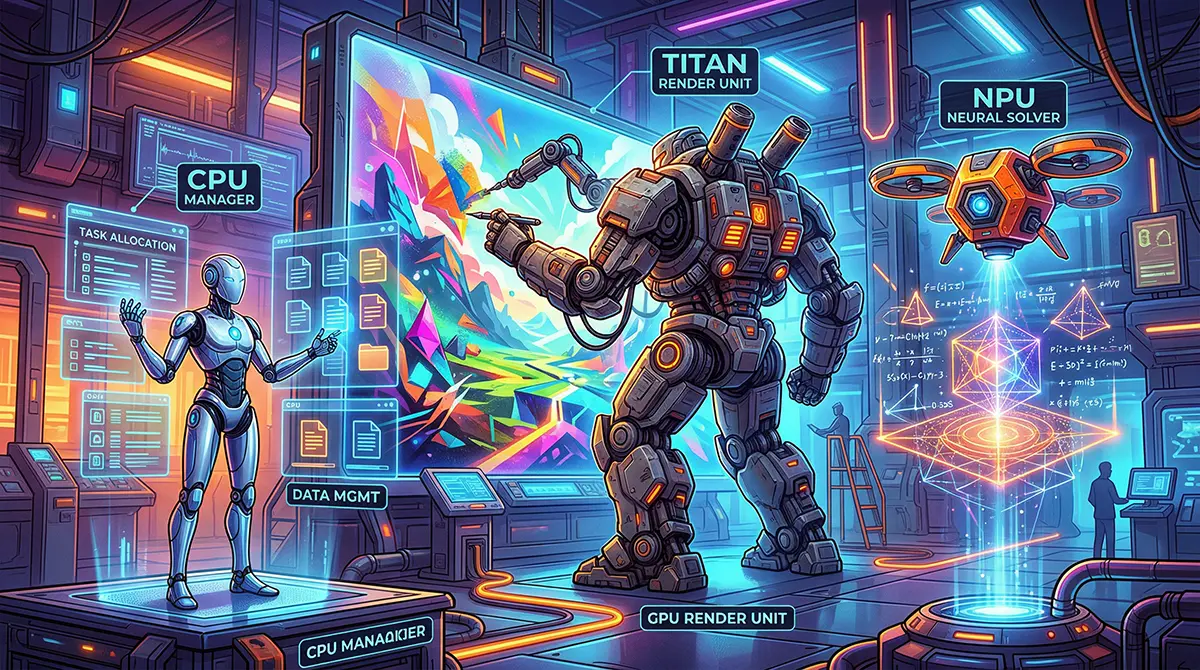
To truly grasp the Neural Processing Unit explained, you have to look at it in the context of the hardware you already know. Think of your PC’s processors as employees in a highly efficient company:
- The CPU (The General Manager): The Central Processing Unit is the brain of your computer. It is incredibly smart and versatile, capable of handling a wide variety of tasks sequentially—from running Windows to launching your web browser. However, because it is a generalist, asking it to do heavy, repetitive AI math is like asking a CEO to manually fold thousands of cardboard boxes. It can do it, but it’s a massive waste of resources and highly inefficient.
- The GPU (The Heavy Machinery): The Graphics Processing Unit is packed with thousands of smaller cores designed for parallel processing. It is brilliant at rendering massive gaming environments and is currently the absolute king of training large AI models. But the GPU is power-hungry. Firing it up for small background AI tasks is like using a bulldozer to plant a single flower.
- The NPU (The Specialist): This is your dedicated AI data-entry expert. It uses a “data-driven parallel computing” architecture specifically optimized for neural networks. When a task like background noise cancellation or live video blurring pops up, the NPU handles it instantly, allowing the CPU and GPU to focus entirely on what they do best.
Making Sense of TOPS: The Metric of the Future
If you start shopping for an NPU, you will immediately encounter the term TOPS, which stands for Trillion Operations Per Second. This is the universal benchmark used to measure NPU performance.
Currently, to meet Microsoft’s strict Copilot+ PC requirements for next-generation local AI features, a system must have an NPU capable of hitting at least 40 TOPS. This ensures the hardware is robust enough to run advanced features like Windows Studio Effects, live translations, and AI-assisted multitasking without breaking a sweat. When planning your build, looking at the TOPS rating will tell you exactly how capable the processor is at handling local AI tasks.
The Core Benefits: Why the Tech World is Obsessed with NPUs
So, why the sudden industry-wide shift to include this hardware? The answer comes down to a combination of power, efficiency, and the undeniable future of software integration.
Unmatched Power Efficiency (Watts Matter)
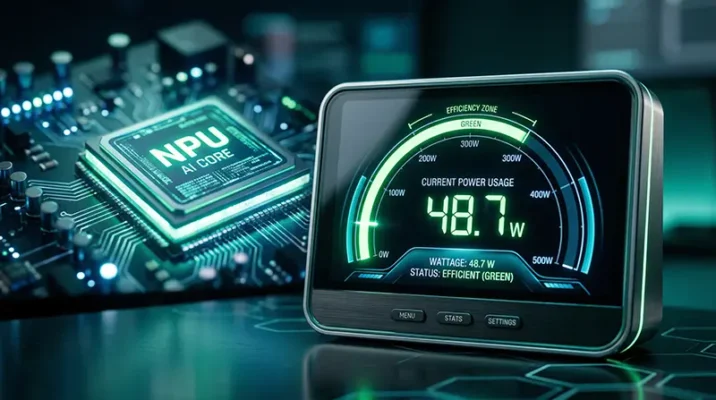
The single biggest advantage of an NPU is its extreme energy efficiency. A high-end graphics card might draw anywhere from 150 to 400 watts under load while running AI tasks. In stark contrast, an NPU can perform dedicated AI hardware acceleration using as little as 5 to 10 watts.
While this is heavily marketed toward laptop users (where it can extend battery life by up to 20%), this efficiency matters for desktop users too, particularly in regions with unstable power grids. If you rely on a UPS (Uninterruptible Power Supply) during loadshedding, minimizing your PC’s power draw while working or streaming is crucial. By offloading tasks to an ultra-efficient NPU, your system pulls significantly fewer watts from the wall, reducing heat output, lowering fan noise, and extending your backup battery runtime.
On-Device AI vs. Cloud AI Privacy
Currently, most of us experience AI through the cloud—think ChatGPT or Google Gemini. When you ask these tools a question, your data is sent to a massive server farm, processed, and the answer is sent back.
On-device AI inference changes this completely. With a capable NPU, your PC can process natural language, blur your webcam background, and analyze documents entirely locally. This means zero lag, zero reliance on a fast internet connection, and absolute data privacy. For professionals handling sensitive client data, the peace of mind that comes from knowing your AI workflows never leave your local hard drive is invaluable.
Do You Need an NPU for a Budget PC Build?
Now we reach the ultimate question for the local builder: Does a budget PC build actually require an NPU right now?
The short, candid answer is: Probably not, but it depends entirely on your primary use case.
The Gamer’s Dilemma: Will an NPU Boost Your Frame Rates?
Let’s clear up a massive misconception right now: NPUs do not directly increase your gaming frame rates. You might be thinking, “Wait, what about AI upscaling like Nvidia DLSS or AMD FSR?” It is a logical thought, but those incredible AI upscaling technologies run exclusively on the tensor cores inside your GPU, not on the CPU’s integrated NPU.
If your sole goal is pure AI PC gaming performance, an NPU sits idle while your graphics card does the heavy lifting. Competitive esports players and budget gamers looking to maximize every single frame per second should not sacrifice their GPU budget to buy a slightly newer processor just for an NPU.
The Local Market Reality: Maximizing Your Hardware Budget
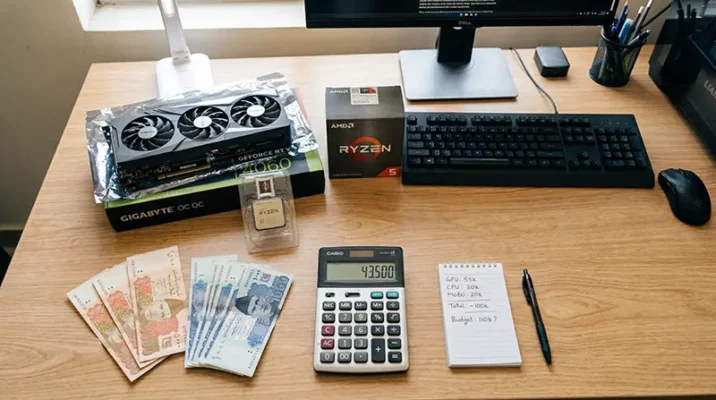
When building a PC on a strict budget, every single Rupee matters. The local hardware market forces builders to make tough choices to maximize value.
If your budget is tight, allocating funds to buy a processor with a high-end NPU (like the newest Ryzen 8000G series or Intel Core Ultra) often means you will have to compromise on your dedicated graphics card. From a pure performance standpoint, a budget builder is vastly better off pairing a slightly older, non-NPU processor (like a Ryzen 5 5600) with a powerful dedicated graphics card (like an RX 6600 or RTX 3060).
The raw compute power of a dedicated GPU will handle your gaming, rendering, and even your AI tasks far better than a budget NPU could. However, if you are a streamer who needs to run OBS, Discord, Spotify, and a game all at once, an NPU can help by offloading background tasks like AI noise cancellation, freeing up your CPU to keep your stream smooth.
NPU vs GPU for AI Tasks: The Ultimate Hardware Showdown
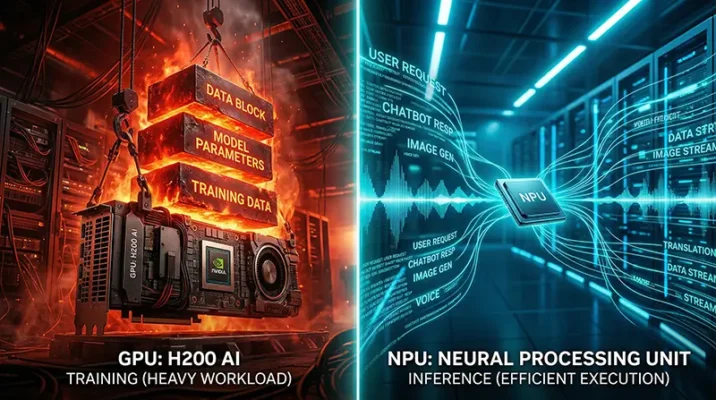
Understanding the NPU vs GPU for AI tasks debate is essential for future-proofing your rig. They aren’t enemies; they are coworkers with very different skill sets.
When to Rely on Your Graphics Card (AI Training)
If you are interested in creating or training AI models, the GPU remains the undisputed king. Whether you are running a local instance of Stable Diffusion to generate AI art, or training a Large Language Model (LLM) on vast datasets, you need the raw, brute-force parallel processing power and massive VRAM bandwidth that only a dedicated GPU can provide. NPUs simply do not have the architectural muscle for heavy AI training.
When the Neural Processing Unit Takes Over (AI Inference)
Once an AI model is already trained, using it to make predictions or analyze data is called inference. This is where the NPU shines. It handles everyday, lightweight AI tasks—like isolating your voice from a noisy ceiling fan on a Zoom call, recognizing faces in your photo gallery, or transcribing audio in real-time.
By having an NPU handle these repetitive, low-power inference tasks, your GPU is completely freed up to ensure your game doesn’t drop a single frame, resulting in a buttery-smooth multitasking experience.
Quick Takeaways: The TL;DR on NPUs
- Dedicated AI Specialist: An NPU (Neural Processing Unit) is a specialized chip designed to run AI workloads efficiently.
- Not for FPS: An NPU will not give you higher frame rates in games; technologies like DLSS rely on your GPU.
- Extreme Efficiency: NPUs handle AI tasks at 5-10 watts, saving massive amounts of power compared to a GPU.
- Privacy First: An NPU allows you to run AI features entirely on-device, keeping your data safe and offline.
- Budget Priority: For budget PC builders, investing the bulk of your budget into a stronger GPU is still the smartest move for raw performance.
- The TOPS Metric: NPU performance is measured in TOPS (Trillion Operations Per Second); 40+ is the current standard for modern Copilot+ features.
The Verdict: Should Your Next PC Pack an NPU?
The integration of Neural Processing Units into everyday hardware is not a fad; it is a permanent shift in computer architecture. As software developers increasingly optimize applications for local AI, the NPU will soon become as standard and necessary as the GPU is today.
However, if you are planning a budget PC right now, you need to be strategic. If your primary goal is maximum gaming performance or heavy 3D rendering, a traditional build focusing heavily on the best GPU you can afford remains the undisputed champion.
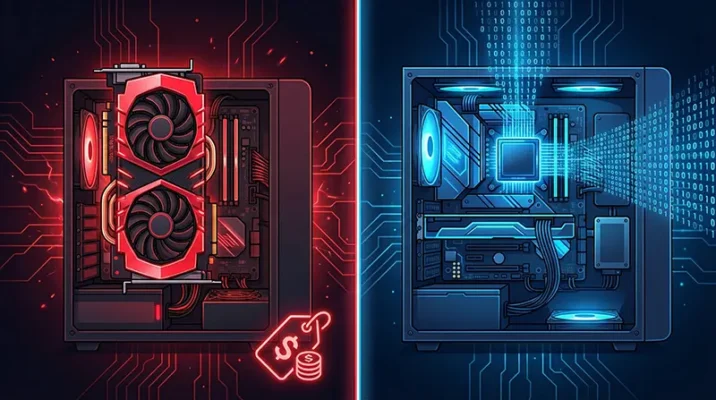
But, if you are a multitasker, a content creator, or a professional who relies heavily on AI tools, video conferencing, and productivity apps, an NPU offers a cleaner, cooler, and incredibly efficient computing experience. The future of computing is undeniably AI-driven, and the NPU is your ticket to that future—just make sure it aligns with your budget and actual daily needs before you buy.
References
- HP Tech Takes: What Is an NPU? Why Neural Processing Units Matter – Explores the power efficiency benefits, TOPS metrics, and Copilot+ PC requirements.
- XDA Developers: 5 reasons your next gaming rig should have an NPU – Analyzes the multitasking benefits of NPUs for gamers and background application offloading.
- Contabo Blog: NPU vs GPU: Differences in AI Processing – Provides a deep technical breakdown of hardware architecture, inference vs. training, and extreme energy efficiency differences.

Google, TurboQuant, Stocks: The Trillion-Dollar Mix-Up!
Did Google's TurboQuant algorithm really crash global memory stocks? Discover the trillion-dollar AI mix-up and what it means for the future of tech.
Mar
Frequently Asked Questions (FAQs)
While both handle parallel processing, a GPU uses high-wattage brute force and is best for training massive AI models and rendering graphics. An NPU is a highly specialized, low-wattage chip specifically optimized for everyday on-device AI inference, like voice recognition and background blurring.
No. Web-based AI applications run their computations on remote servers in the cloud. An NPU only accelerates local, on-device AI tasks, so it won’t make ChatGPT type out its answers any faster.
Directly? No. In-game AI features like DLSS or FSR utilize the GPU. However, if you are a streamer, an NPU can improve overall system stability by handling background AI tasks (like Discord noise suppression or OBS background removal), freeing up your CPU and GPU to focus entirely on running the game smoothly.
TOPS stands for Trillion Operations Per Second. It is the standardized metric used to measure an NPU’s processing power. To use advanced local Windows AI features, you generally need hardware that meets the Copilot+ PC requirements, which currently demand a minimum of 40 TOPS.
For a strict budget AI PC build aimed at gaming, absolutely not. The performance gains from upgrading to a higher-tier dedicated GPU (like moving from an RX 6600 to an RX 6700 XT) will vastly outweigh the benefits of an NPU for standard desktop use.
Let’s Keep the Conversation Going!
Are you prioritizing an NPU for your next build, or are you sticking to the classic “all budget to the GPU” strategy? Drop a comment below and let us know what hardware you are running in your current rig!
If you found this guide helpful in navigating the confusing world of AI hardware, don’t forget to share this article with your tech-savvy friends and fellow PC builders who might be planning their next upgrade.
